
Attack Your Own Systems?"
Sounds dangerous, right?
But for defenders, it is actually one of the smartest ways to learn cybersecurity.
Because reading about attacks is easy.
Detecting those attacks in real logs, under real-world pressure, is the real challenge.
That's where security labs come in.
A lab allows you to safely simulate attacks and answer the questions that every SOC analyst should be asking:
- What does this activity look like in firewall logs?
- What does it look like in IDS or IPS alerts?
- What events are generated in the SIEM?
- Most importantly, would my team even notice it?
A Simple Home Lab Approach
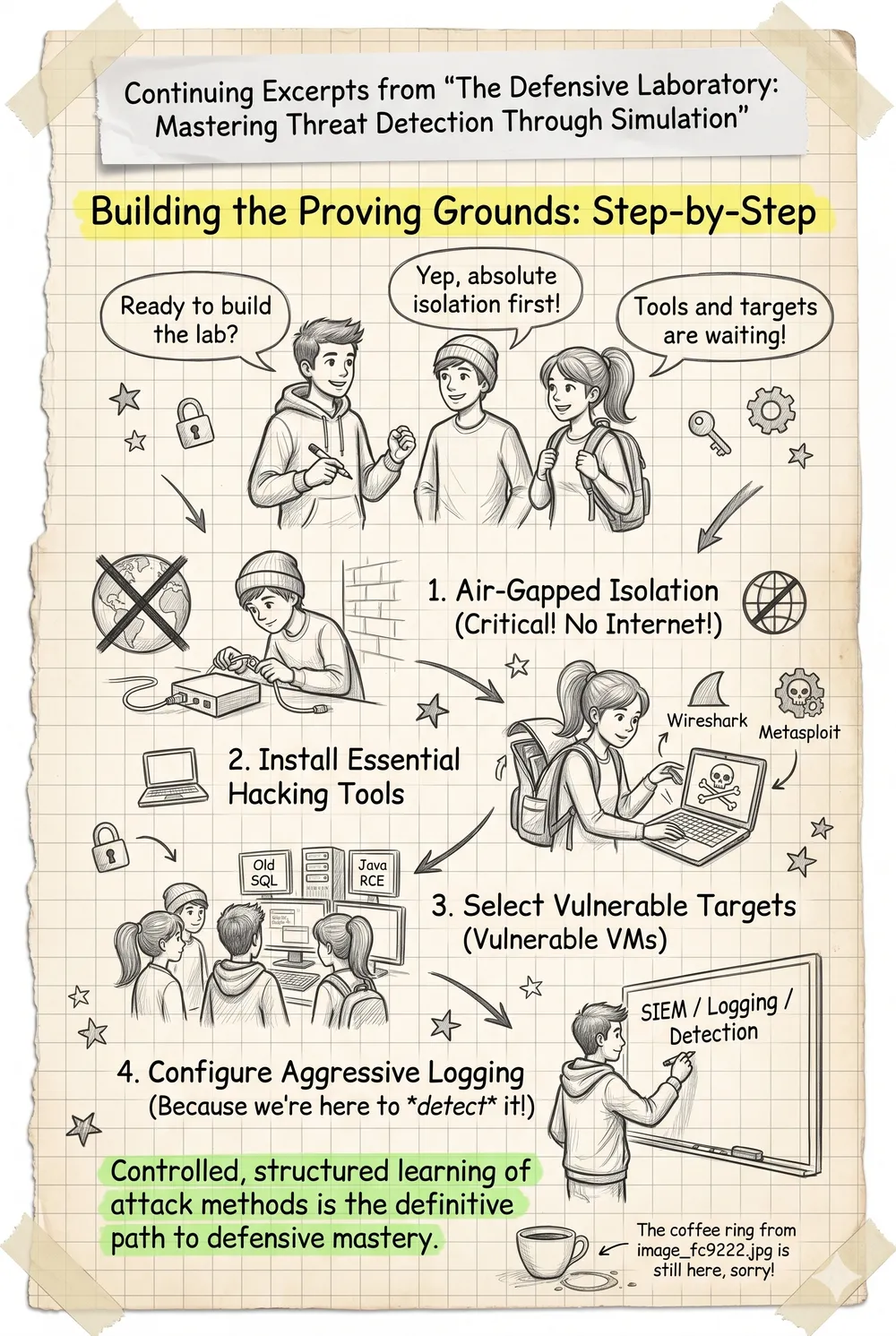
Step 1: Build a Safe Environment
Create a small isolated lab with:
- One attacker machine
- One victim machine
- One monitoring system or SIEM
Keep the lab completely separated from your production environment.
The goal is to learn safely without affecting real systems.
Step 2: Pick One Scenario at a Time
Many beginners make the mistake of trying everything at once.
Don't do that.
Start with a single scenario such as:
- Port Scanning
- Brute Force Attempts
- Malware Download Simulation
- Suspicious PowerShell Activity
- Data Exfiltration Simulation
Master one scenario before moving to the next.
Step 3: Define Success Before You Start
Before running the simulation, decide what you expect to see.
For example:
"If someone performs a port scan, I should see evidence in the firewall logs, an IDS alert, and a correlated event in the SIEM."
Having clear expectations helps you validate whether your monitoring is working.
Step 4: Run the Simulation and Hunt the Evidence
Now perform the activity and investigate.
Ask questions such as:
- Where did the logs appear?
- Which logs were missing?
- Did the timestamps match?
- Did the SIEM correlate the events correctly?
- Did an alert trigger?
- If it triggered, was it fast enough?
This is where real learning happens.
Step 5: Improve and Repeat
If the attack was not detected, improve your controls.
- Add detection rules
- Enable additional logging
- Tune alert thresholds
- Improve correlation logic
Then run the same test again.
Repeat until you can consistently detect the activity.
The Real Goal
This process helps you move from:
"I know security concepts."
to
"I can actually detect attacks in real environments."
And that is the difference between studying cybersecurity and practicing cybersecurity.
What topic would you like me to cover in the next video?
Drop your suggestions in the comments. I'll review them and create future videos based on your recommendations.